
Log in to the Horizon platform at https://www.unlimitedhorizon.co.uk/webapp/signin
Note that you must be logged in as a User, NOT an Administrator
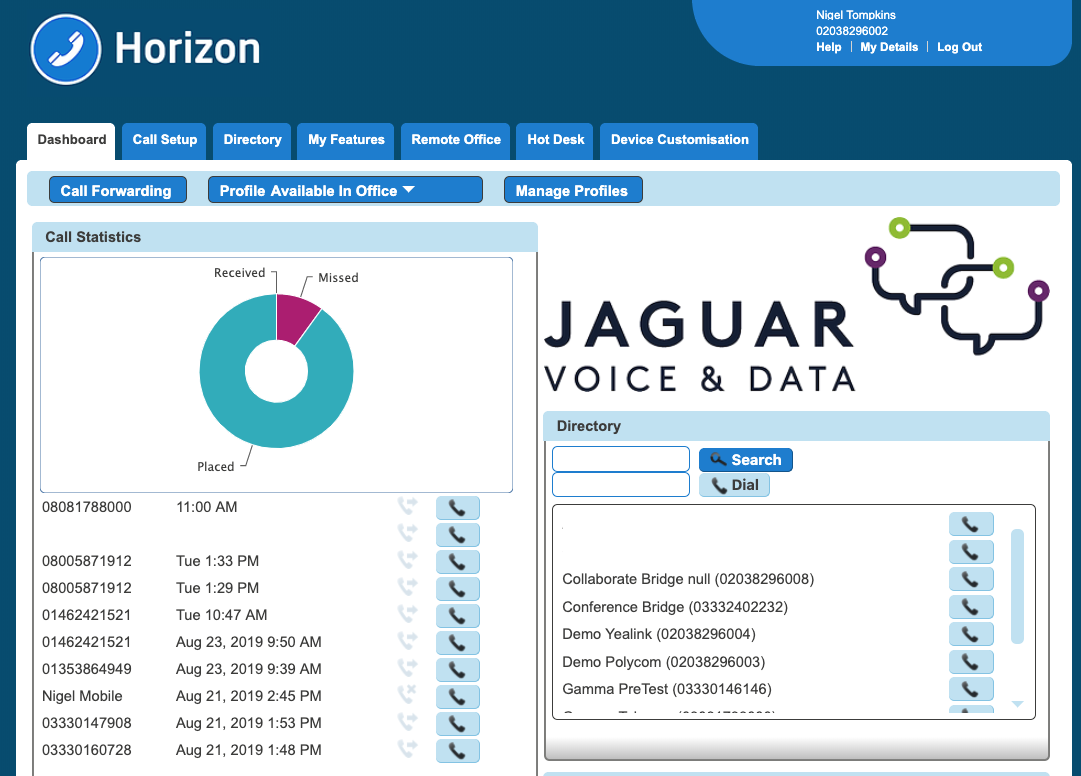
You will see a screen similar to the one below.
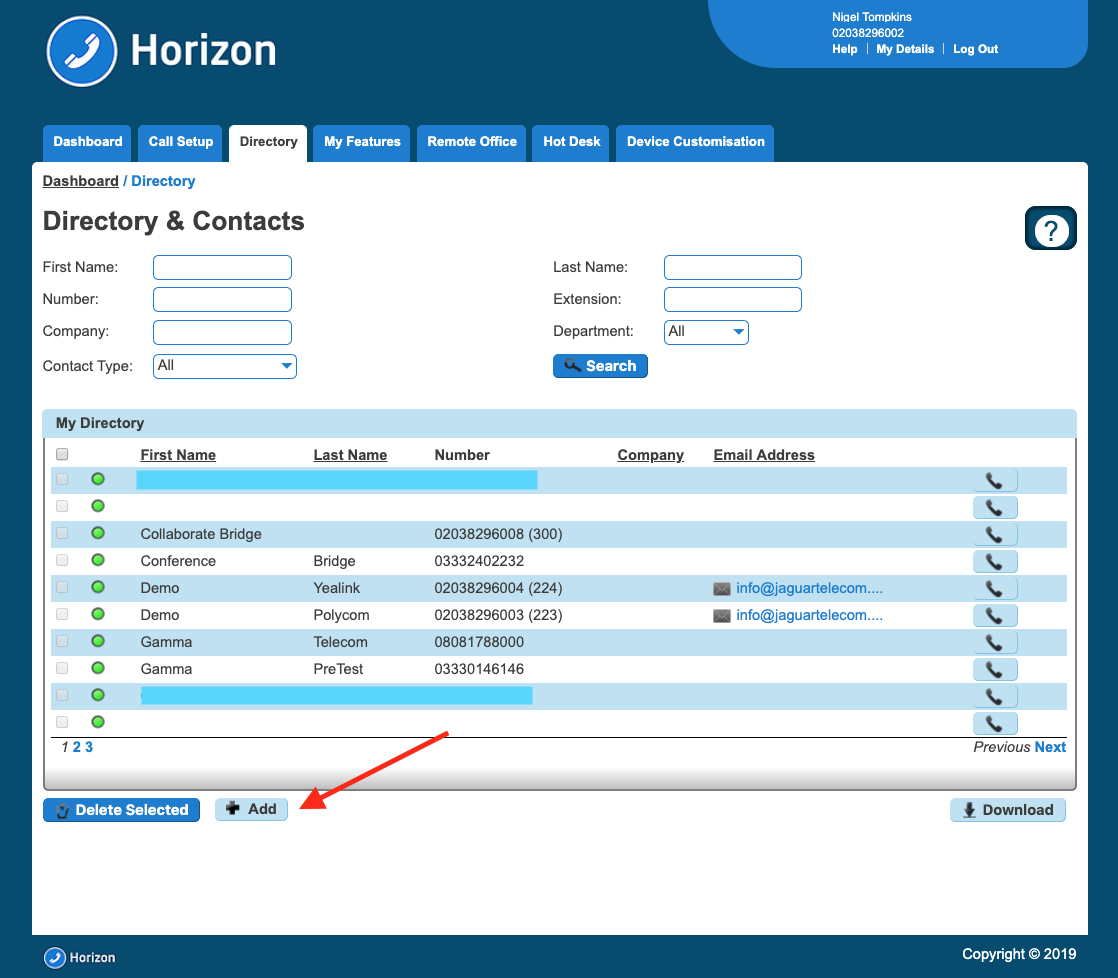
From the menu bar click 'Directory'. This will show a list of contacts currently in the directory. Click on the blue '+ Add' button
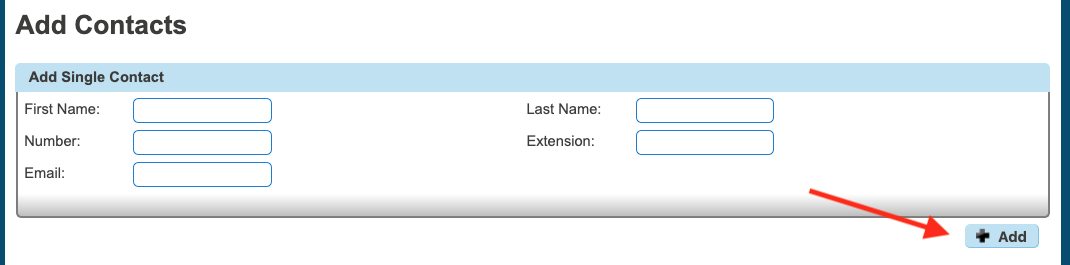
Enter the contact details in the relevant fields and click the '+Add' button on the right.
You'll then see confirmation that the contact has been added. The contact will now appear in your User Directory.
Comments
0 comments
Please sign in to leave a comment.