
Log in to the Horizon platform at https://www.unlimitedhorizon.co.uk/webapp/signin
Note that you must be logged in as the Administrator NOT a User.
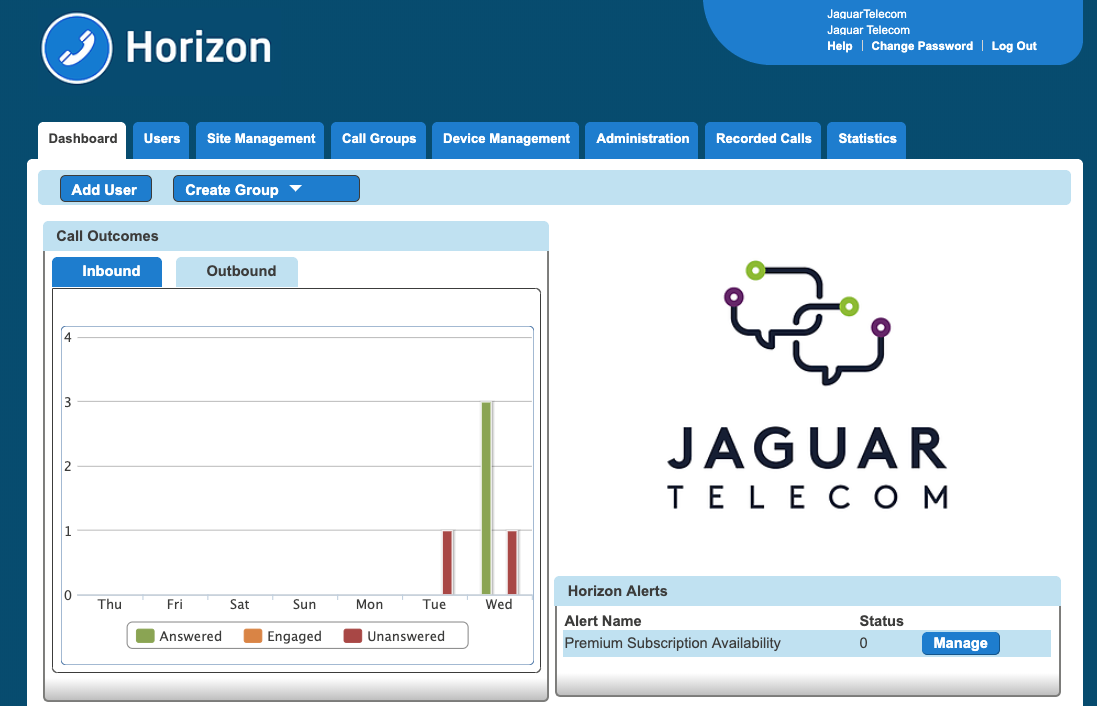
You will see a screen similar to the one below.
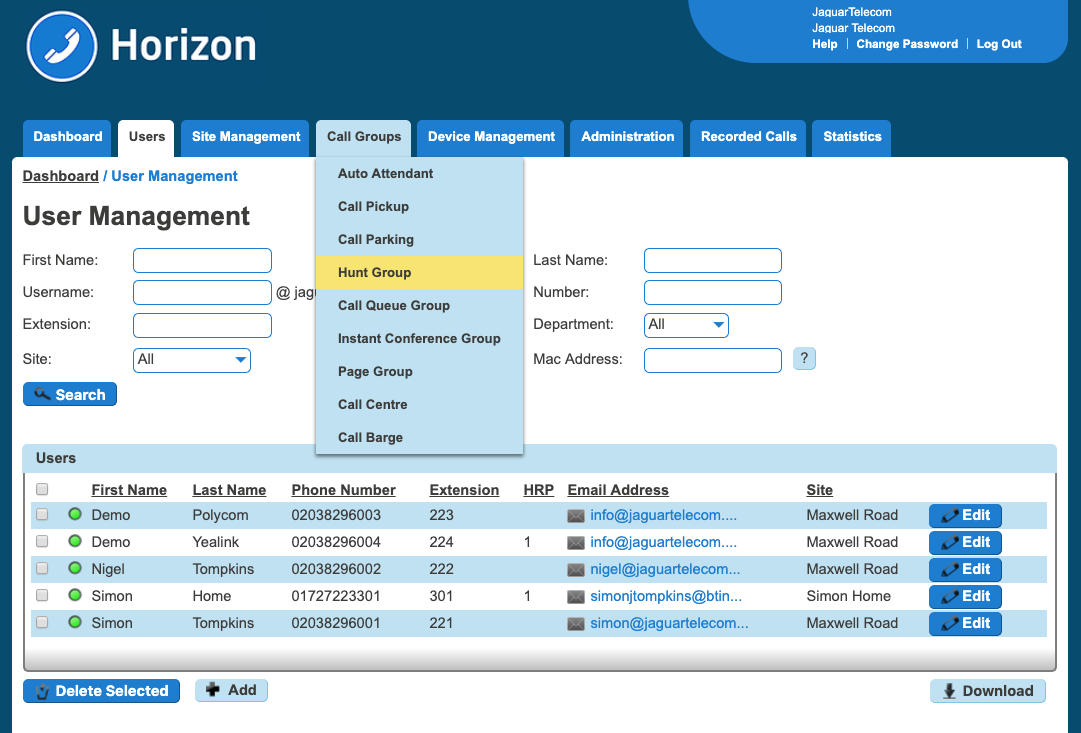
Hover over Call Groups and Select Hunt Groups to find the one you want to reset.
* Please note in some scenarios your main voicemail box may be under Auto Attendant, in which case please call us for further advice.
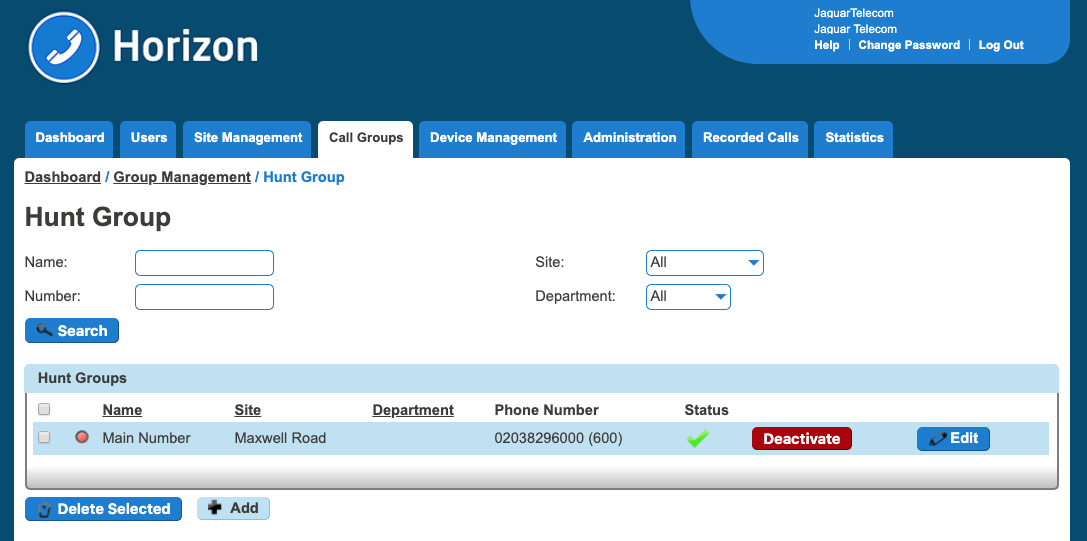
You should then see the list of your Hunt Groups (may just be one or several). Select the one you want and click on 'Edit'.
You will then see a different screen with a number of headings.
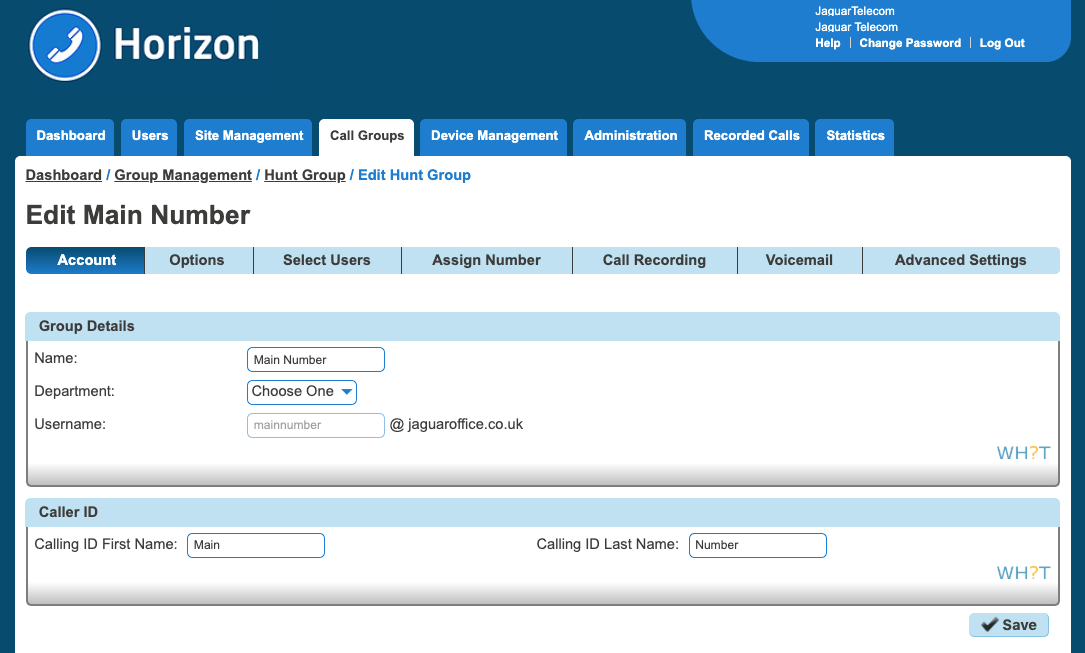
Click on the 'Voicemail' tab.
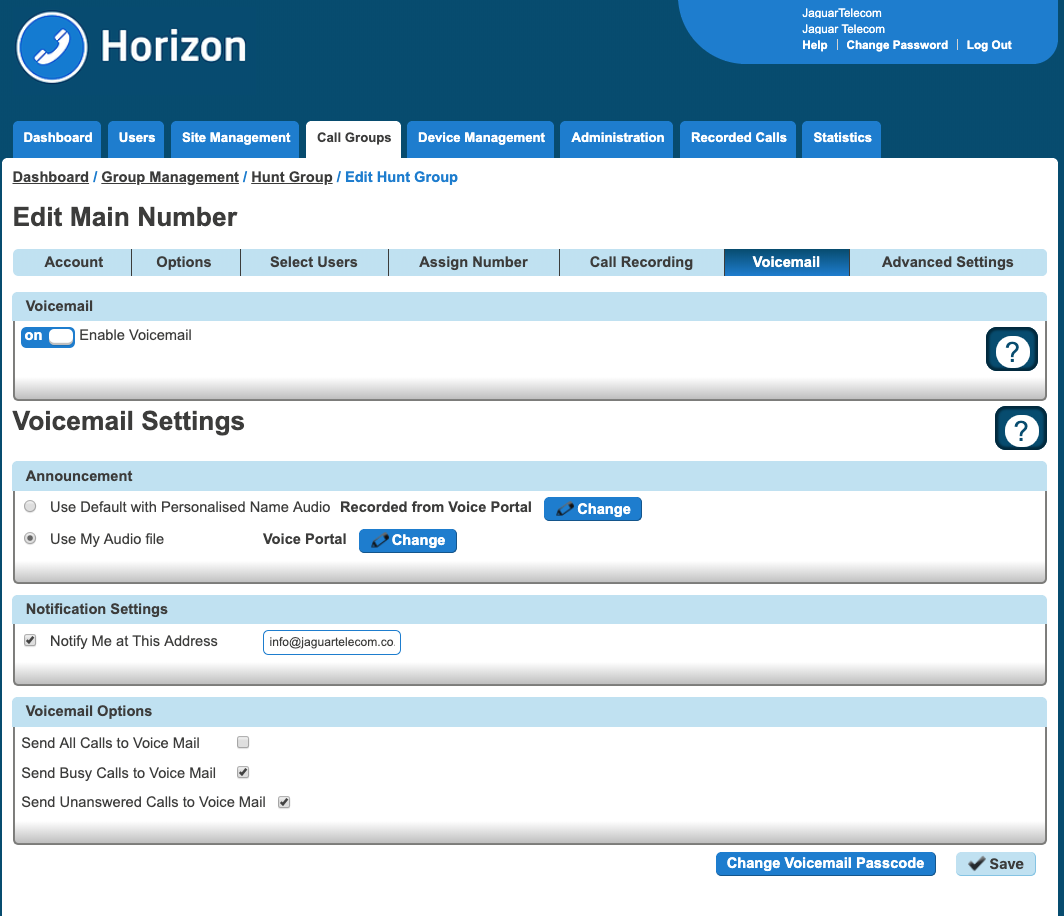
Then click 'Change Voicemail Passcode' at the bottom of the screen and follow the instructions.
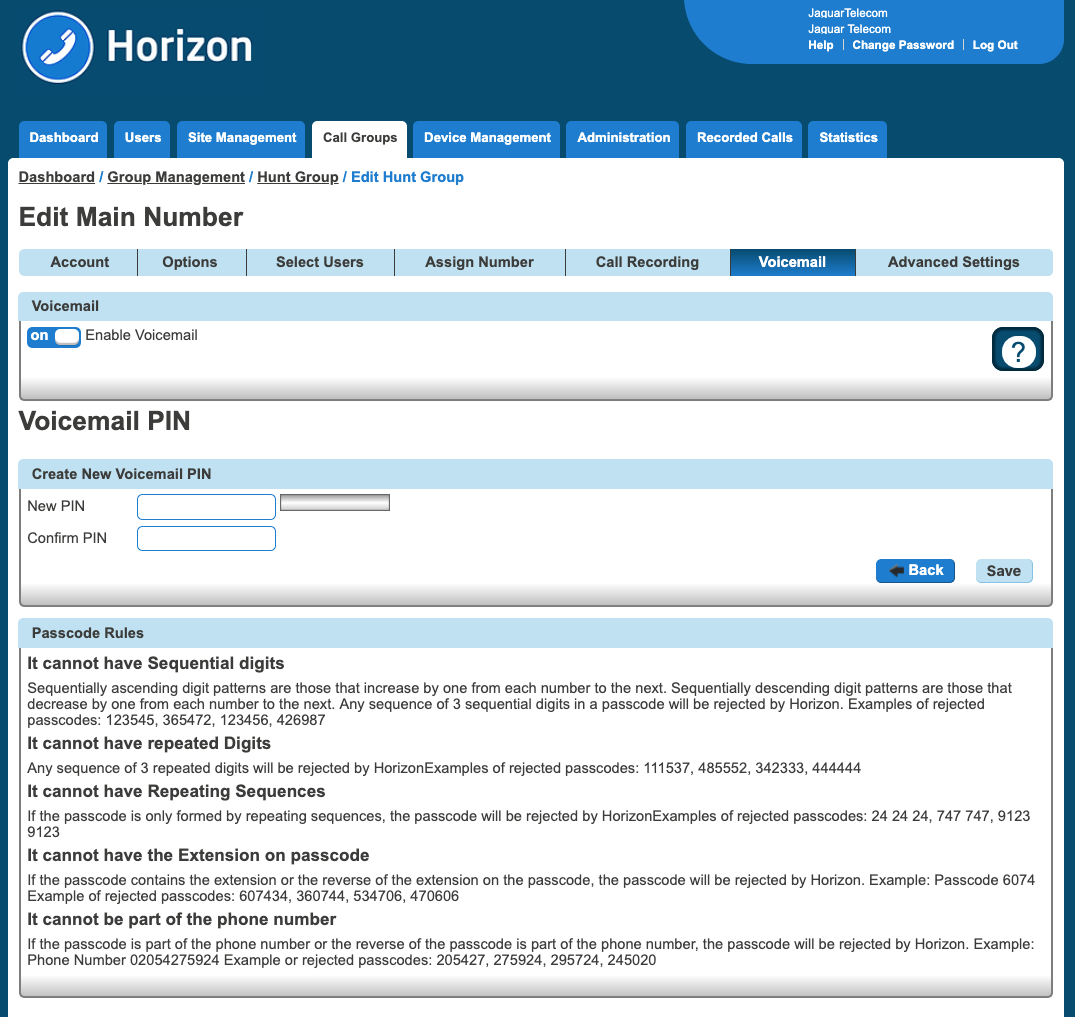
Don't forget to press Save
Comments
0 comments
Please sign in to leave a comment.