
Akixi comes with a wide range of default reports already available to you, but more can be created easily. Or, you can modify an existing report to meet your needs.
To add a report, click the Add Report icon in the bottom left of the screen.
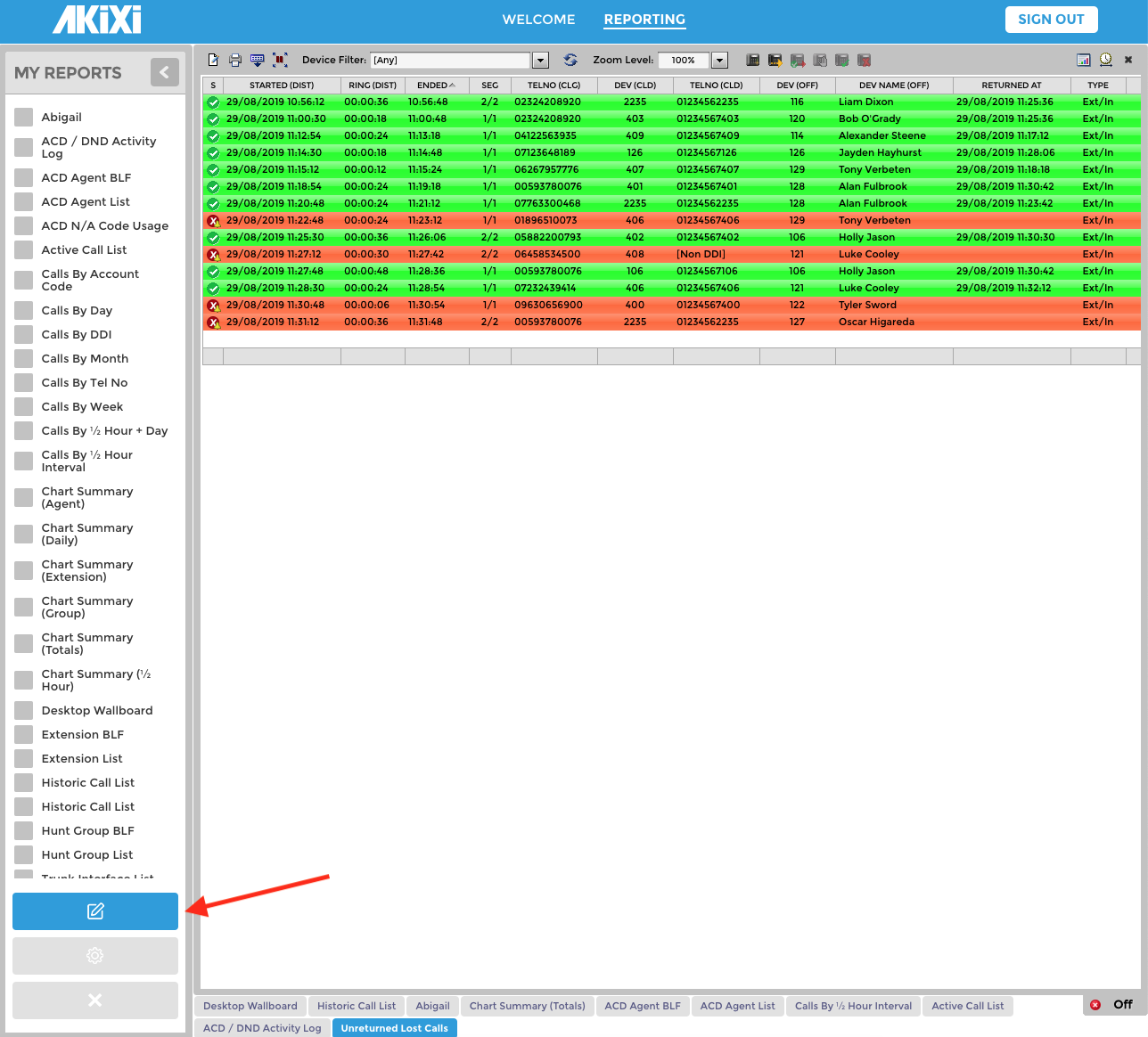
To modify a report, first select it from the list on the left by clicking in the adjacent box, and then click the Modify Report icon.
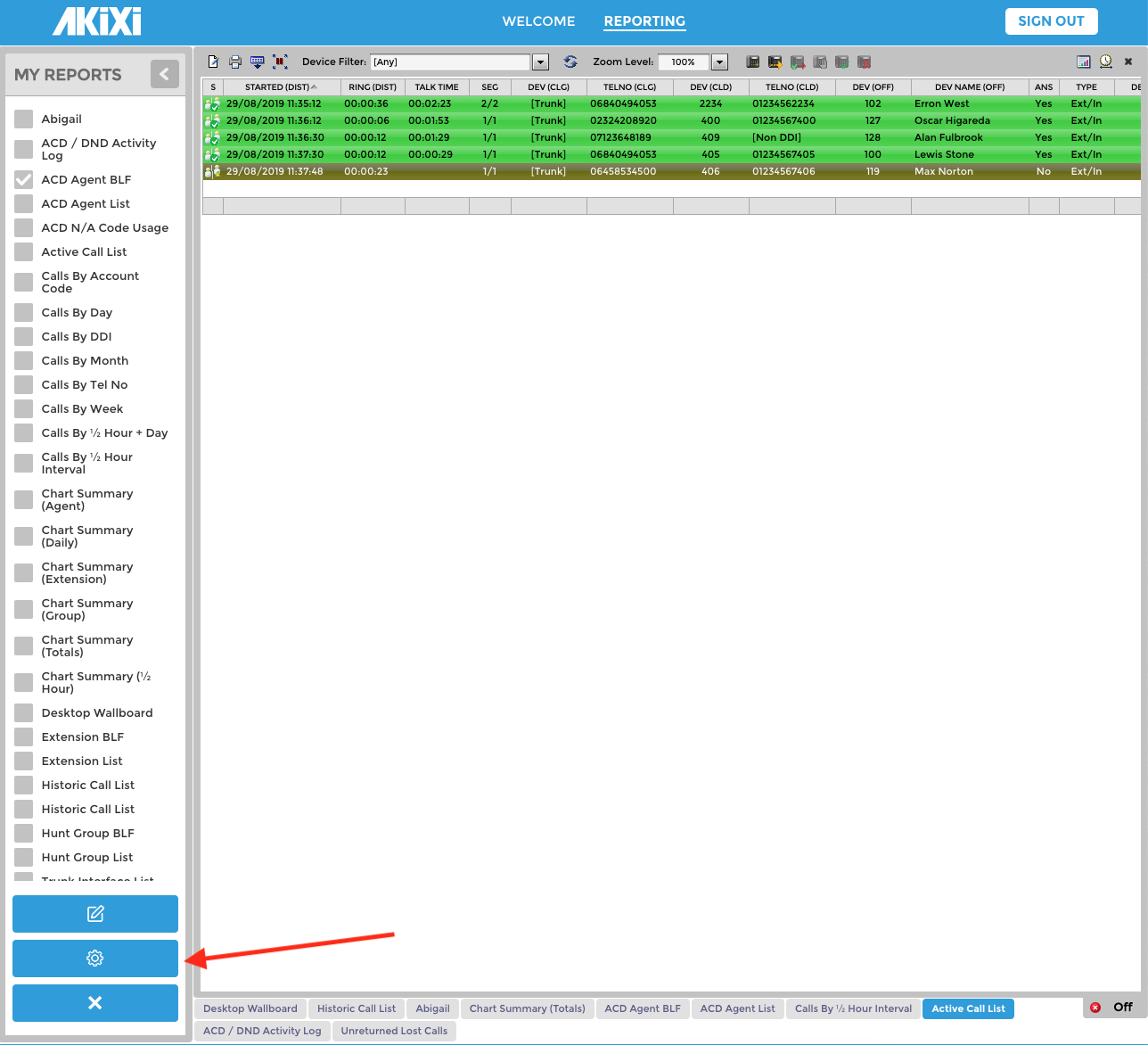
This will open a new window where you can configure all aspects of the report. For more detailed information on the report configuration options please see our separate knowledge base article 'Akixi Report Configuration Options'.
Viewing Reports
Transitioning is the process whereby each open report will show on screen for a pre-determined period of time, before the next one is displayed. To toggle transitioning on and off, click the icon in the bottom right of the screen.
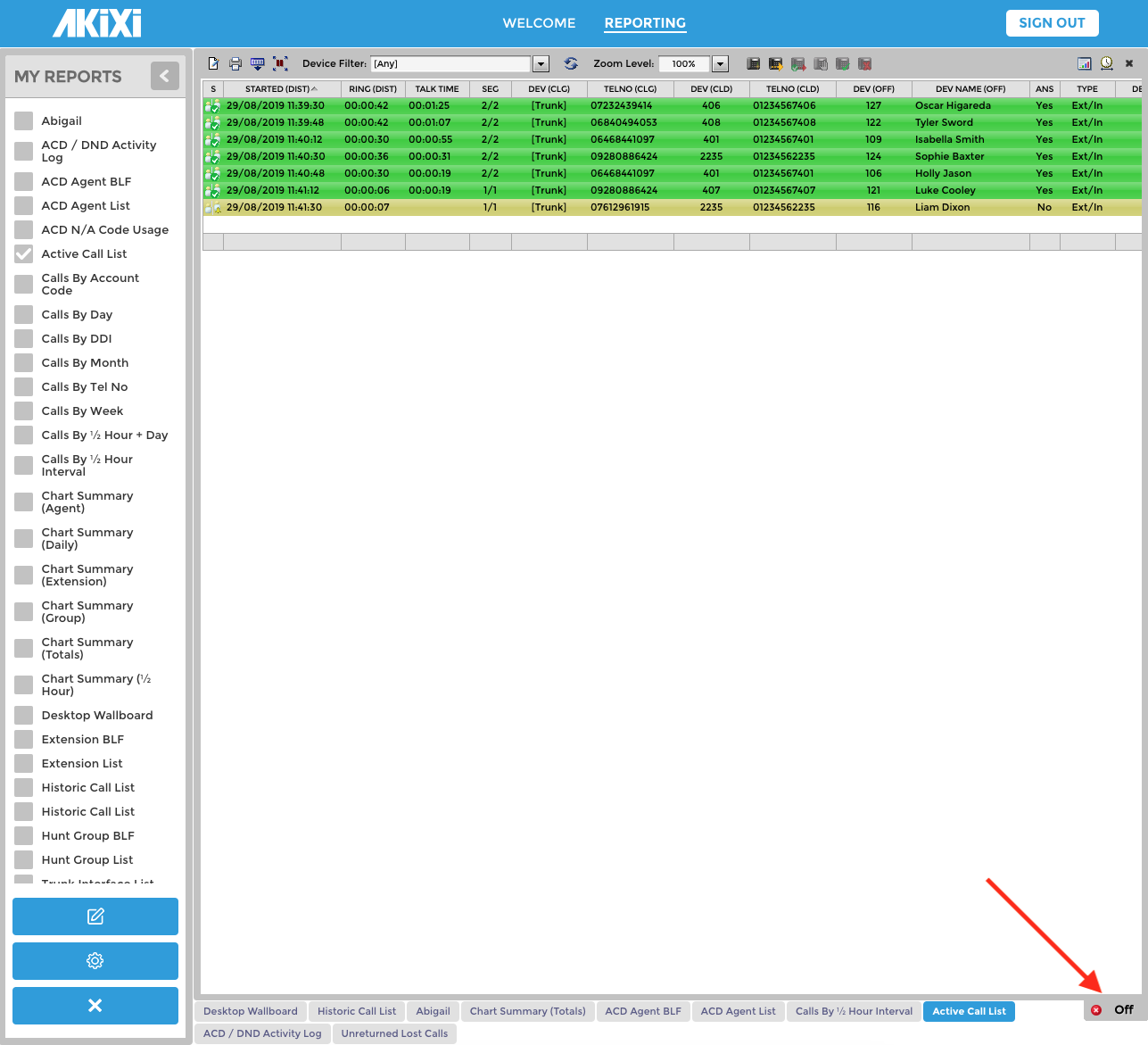
Note that each report that is currently open will show in a list across the bottom of the screen.
Video Tutorials
There are a number of video tutorials available on YouTube. Simply search for 'Akixi Limited' to see the available videos. For users of the Akixi 1000 version we recommend viewing the 'Akixi 1000 Wallboard & Call Reporting service demo', which you can view here. This gives a good overview of how to configure and use the Wallboard facility.
Users of the Akixi 2000 version should view the 'Akixi 2000 ACD Wallboard & Call Centre Reporting' video here.
Comments
0 comments
Please sign in to leave a comment.